Metrash App Guide 2026: All Features & Services
The Metrash app is Qatar’s official government services app, developed and maintained by the Ministry of Interior (MOI). It gives citizens, residents, and visa holders access to 440+ government services — from Qatar ID renewal to traffic fine payments — directly from a smartphone, without visiting an MOI service centre.
This guide covers everything you need in 2026: what changed after the March 2025 relaunch, how to download and register, every service category, common errors, and quick answers to the most-searched Metrash questions.
1. What Is the Metrash App?
Metrash began in 2006 as a basic SMS alert service for traffic violations and residency reminders. It has since grown into a full digital government hub covering traffic, residency, visas, civil affairs, and security department services.
In March 2025, MOI retired the older Metrash2 app and replaced it with a rebuilt Metrash app. The old version no longer works — if it’s still on your phone, you need to download the new one.
Key numbers behind the platform:
- 440+ services, including over 100 added during the rebuild
- 2 million+ active users
- 7 million+ transactions completed through the app
2. What’s New in the 2026 Version
| Feature | What It Does |
|---|---|
| Other Vehicle Violations | Pay traffic fines for family or friends without their login |
| Two-device activation | Use one account on two phones at the same time |
| Apple Pay support | Pay fees and fines with Apple Pay, not just cards |
| Personal & Family Authorization | Let someone else complete a service for you, with a time limit |
| GCC ID services | Gulf nationals can renew or replace GCC ID cards in-app |
| 8-digit password system | Replaces the older PIN setup during registration |
3. How to Download Metrash
On Android
- Open Google Play Store and search “Metrash” — not “Metrash2,” which is discontinued.
- Confirm the listing is published by Ministry of Interior – Qatar.
- Tap Install (the app is roughly 210 MB).
- Open it once installed.
On iPhone
- Open the App Store and search “Metrash.”
- Select the listing by Ministry of Interior – Qatar.
- Tap Get and confirm with Face ID, Touch ID, or your Apple ID password.
How to Spot a Fake Metrash App
- Developer name reads exactly “Ministry of Interior – Qatar.”
- The icon shows the MOI emblem on a dark background.
- Any listing still branded “Metrash2” is outdated and won’t activate.
4. How to Register on Metrash
Registration is a one-time process and must be completed before logging in or using any service.
- Open the app and select Register.
- Enter your Qatar ID (QID) number.
- Enter the mobile number registered under your QID.
- Send the activation SMS to 92992 when prompted.
- Return to the app — activation confirms automatically.
- Set a password (up to 8 digits) and confirm it twice.
Why Registration Fails (and How to Fix It)
The most common cause is a SIM card that isn’t registered under your own QID. Try this order of fixes:
- Turn off Wi-Fi and use mobile data — the SMS gateway to 92992 sometimes fails over Wi-Fi.
- Make sure your SIM is on a Qatar network, not roaming.
- Call your telecom provider (Ooredoo or Vodafone) to confirm the number is linked to your QID.
- If the code still doesn’t arrive, call the MOI Call Centre: 2342000.
Note: The app sometimes rejects a correct password on the first login attempt. Re-enter the same password a second time — it usually works.
5. How to Log In
- Open the Metrash app.
- Enter your QID number.
- Enter your password.
- Tap Login.
Your home screen loads with quick access to your documents, pending fees, and notifications.
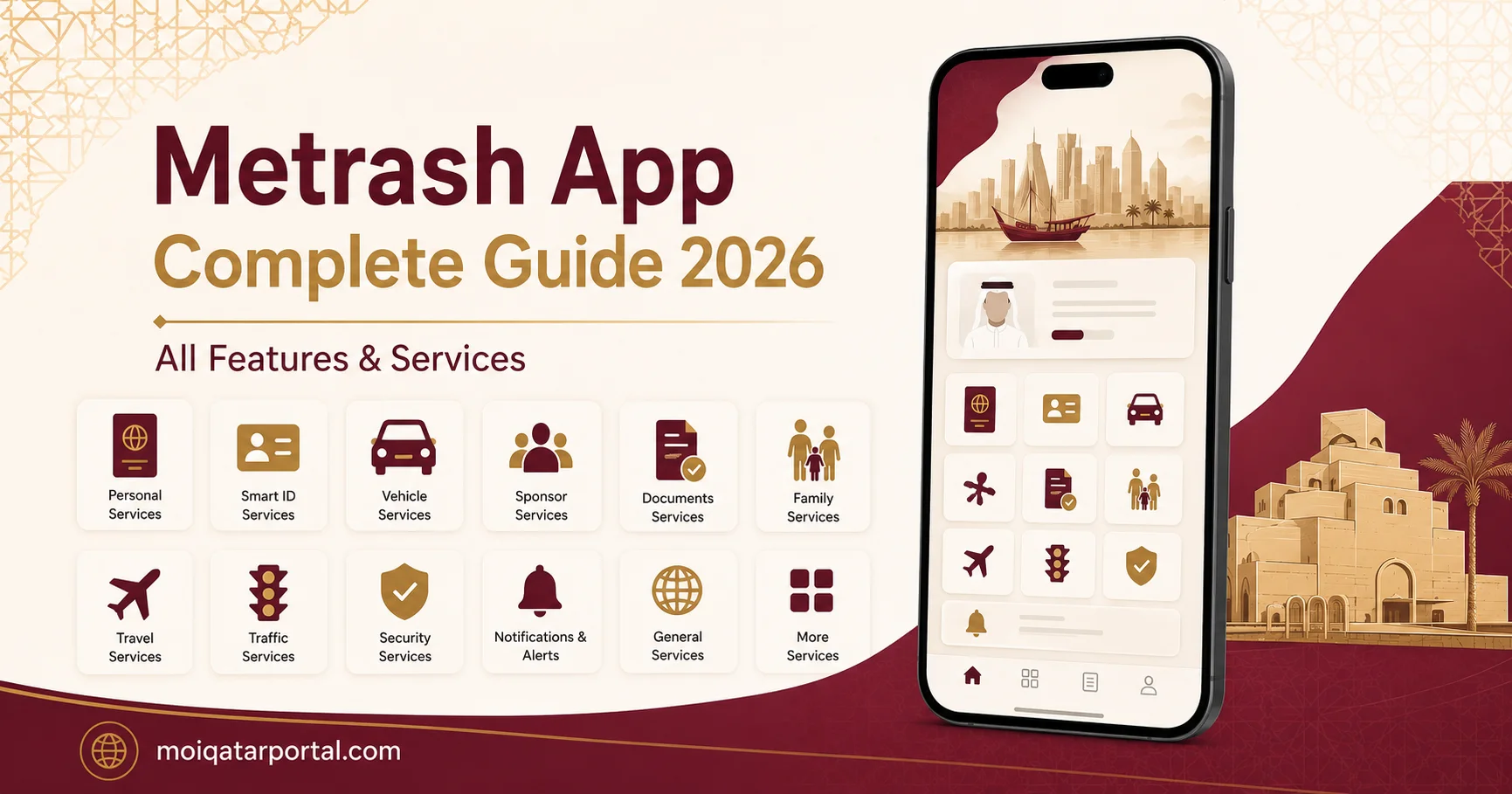
6. All Metrash Service Categories
Personal Documents
- QID details and expiry date
- Passport information on file
- Driving licence status
- Latest Qatar entry date
Family Information
- View sponsored family members’ details
- Manage dependents’ visa and residency records
Traffic Services
- Check fines by QID or plate number
- Pay fines by card or Apple Pay, 24/7
- Pay fines for family or friends via Other Vehicle Violations
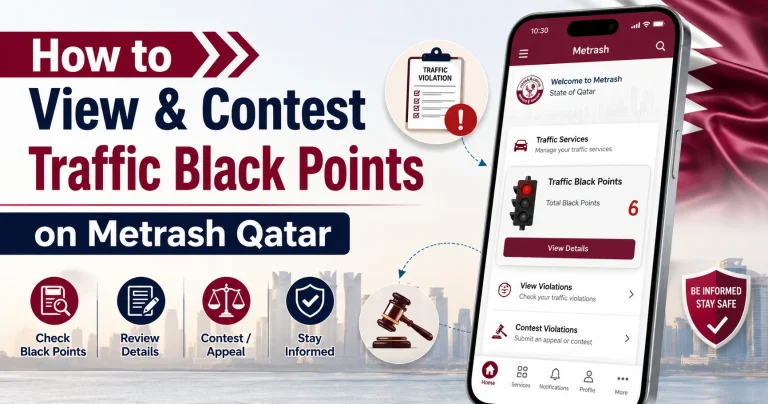
- View black points on your licence
- Check vehicle registration status
- Automatic discount on fines paid within 30 days
Residency & Visa Services
- Apply for and renew residency permits
- Track visa status for yourself and dependents
- Apply for exit permits
- Manage sponsorship transactions
QID Services
- Renew your Qatar ID
- Request a replacement for a lost or damaged card
- GCC nationals: renew or replace GCC ID cards
Security Department Services
- Access services tied to MOI’s security departments, expanded in the 2025–2026 rebuild
Personal & Family Authorization
- Grant someone else permission to complete a transaction for you
- Set a time limit so access expires automatically
- Useful for family members without their own registered mobile number
Search and Follow-Up
- Report suspected residence law violations
- Report concealment of individuals involved in illegal activity
- Report suspected fake companies
- Report street vendor violations
- Track your submitted reports
E-Wallet
- Securely store and access official documents digitally
- Retrieve documents without carrying physical copies
7. Payment Methods Supported
Metrash accepts:
- Visa and Mastercard credit/debit cards
- Apple Pay
- Other MOI-approved digital payment channels
Payments confirm instantly, with a receipt generated in-app immediately afterward.
8. Language Support
Metrash is available in Arabic, English, French, Spanish, Hindi, and Urdu — covering Qatar’s diverse resident population.
9. Changing Your Registered Mobile Number
This is done through the MOI website, not inside the app:
- Visit the MOI website and open the Metrash for Individuals section.
- Enter your QID and the new mobile number.
- Complete the CAPTCHA verification.
- Click Change Number to finalize.
Make sure the new number is active first — a verification code is sent there immediately.
10. Deactivating or Resetting Your Account
To Deactivate
- Open Metrash and go to Settings.
- Select Deactivate and confirm with your password.
- Repeat on each device if active on more than one.
To Reset a Forgotten Password
- Tap Forgot Password on the login screen.
- A reset code is sent via SMS to your registered number.
- Follow the prompts to set a new password.
- If issues persist, contact your telecom provider or the MOI Help Desk.
11. Troubleshooting Common Issues
| Problem | Likely Fix |
|---|---|
| Activation code never arrives | Confirm SIM is registered under your QID; turn off Wi-Fi; check you’re on a Qatar network |
| Password rejected on first login | Re-enter the same password a second time |
| App won’t install or crashes | Older OS versions may not be fully compatible — update if possible |
| Vague SMS about missing documents | Check the relevant service section in-app, or contact the MOI Help Desk |
| Registration won’t complete at all | Visit an MOI service centre to confirm your mobile number is linked to your QID |
Contacting MOI for Help
- MOI Call Centre: 2342000
- MOI official website — Metrash for Individuals support section
- In-person visit for identity-linked issues like unregistered SIM cards
12. Is Metrash Safe to Use?
Yes. Metrash is built and run directly by Qatar’s Ministry of Interior, with encrypted data handling emphasized in the 2025–2026 rebuild. The real risk is fake lookalike apps — always confirm the developer name reads “Ministry of Interior – Qatar” and download only from the official Google Play or App Store listing.
13. Frequently Asked Questions
Is Metrash2 still usable?
No. It was discontinued on March 1, 2025. Use the new Metrash app instead.
Do I need a Qatar mobile number to register?
Yes, and it must be registered under your own QID — this is the most common point of failure during setup.
Can I pay someone else’s traffic fine?
Yes, using the Other Vehicle Violations feature, without logging into their account.
How many services does Metrash offer?
Over 440, including more than 100 added since the 2025 rebuild.
Can I use Metrash on two phones at once?
Yes, the app supports activation on up to two devices simultaneously.
Conclusion
The Metrash app has come a long way from its 2006 origins as a simple SMS alert tool. With the 2025–2026 rebuild, it now puts more than 440 government services — traffic, residency, visas, QID renewals, and security department transactions — directly in your pocket, with new conveniences like Apple Pay, family authorization, and two-device access.
Most issues people run into come down to one thing: a mobile number that isn’t properly registered under their QID. Fix that at the source — with your telecom provider or an MOI service centre — and the rest of the app runs smoothly.
If you haven’t switched over yet, download the official Metrash app today, complete registration with your QID and matching mobile number, and you’ll have most of MOI’s services available without ever needing to queue at a service centre.