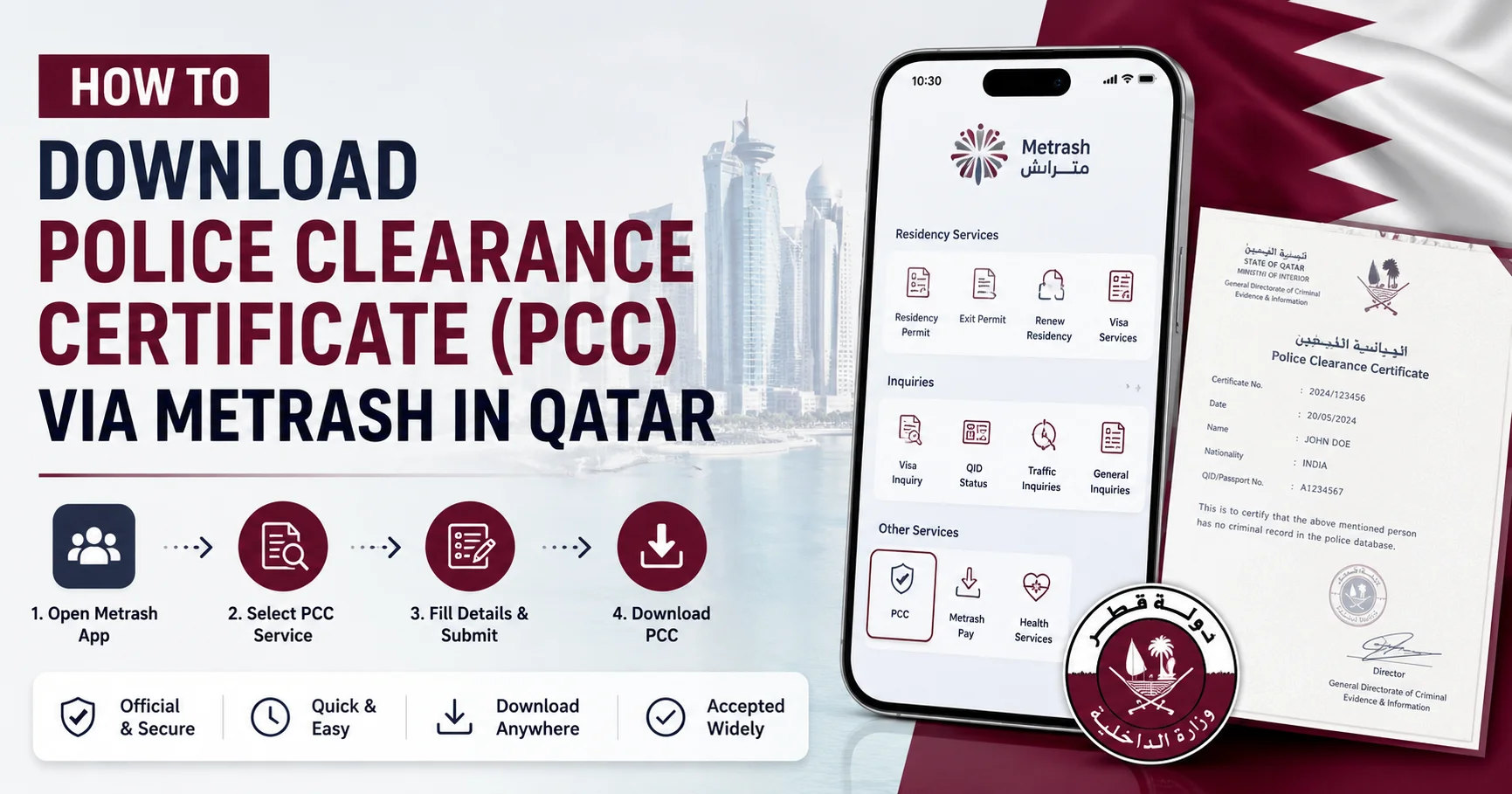
How to Download Police Clearance Certificate (PCC) via Metrash in Qatar
Whether you are an expatriate in Qatar applying for immigration to Canada, Australia, or the UK, switching jobs, enrolling in a foreign university, or processing a professional licence — you will likely need a Qatar Police Clearance Certificate (PCC). As of June 2026, the entire process is handled through Qatar’s upgraded Metrash app, the Ministry of Interior’s official government services platform.
This step-by-step guide covers everything you need to know in 2026: the new Metrash app, eligibility, required documents, how to apply, fees, how to track your application, and how to download your PCC certificate once it is issued.
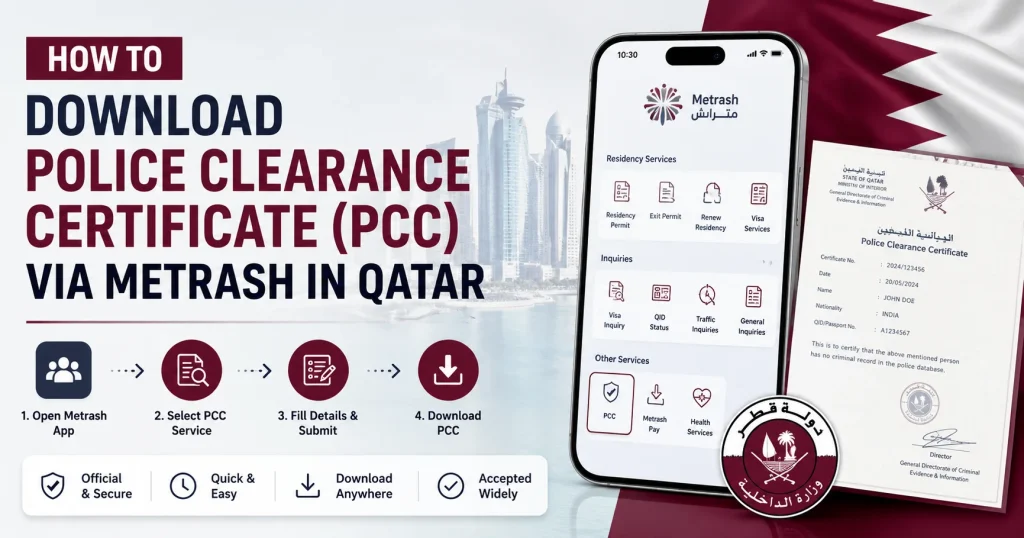
What Is a Police Clearance Certificate (PCC) in Qatar?
A Police Clearance Certificate (PCC) — also called a Good Conduct Certificate or Criminal Record Certificate — is an official document issued by Qatar’s Criminal Evidence and Information Department (CEID), operating under the Ministry of Interior (MOI). It confirms whether or not you have a criminal record during your period of residency in the State of Qatar.
When Do You Need a Qatar PCC?
You will typically be required to submit a PCC for any of the following:
- Immigration applications — permanent residence or citizenship in Canada, Australia, the UK, New Zealand, USA, or EU countries
- Work visa or residency permit applications abroad
- Changing employers in Qatar or starting a new job that requires a background check
- University admissions and scholarships — for institutions abroad
- Professional licensing — engineers (UPDA/MMUP), healthcare professionals (QCHP), lawyers, or other regulated fields
- Business registration — company incorporation, customs clearance, or law firm registration
- Family visa or marriage-related legal processes
- Any other request from a government authority or official institution
The New Metrash App — What Has Changed in 2025–2026?
Qatar’s Ministry of Interior launched the redesigned Metrash app in December 2024, and officially retired the old Metrash2 app on 1 March 2025. If you were using Metrash2 before, you must switch to the new app.
Key upgrades in the new Metrash app (2025–2026):
- 440+ government services available, including over 100 brand-new services
- Powered by Artificial Intelligence (AI) for a smarter, faster experience
- Cleaner, more intuitive interface with redesigned icons and navigation
- New address management feature for document delivery
- Passport scanning for visa issuance directly within the app
- New icons to issue, reprint, and share certificates easily
- New payment options including Apple Pay, debit, and credit cards
- Available in 6 languages: Arabic, English, French, Spanish, Malayalam, and Urdu
- Compatible with Android version 10+ and iOS version 13+
- Over 2 million active users and more than 7 million transactions completed
Your old Metrash2 login credentials (QID + PIN) work on the new Metrash app — no need to register again.
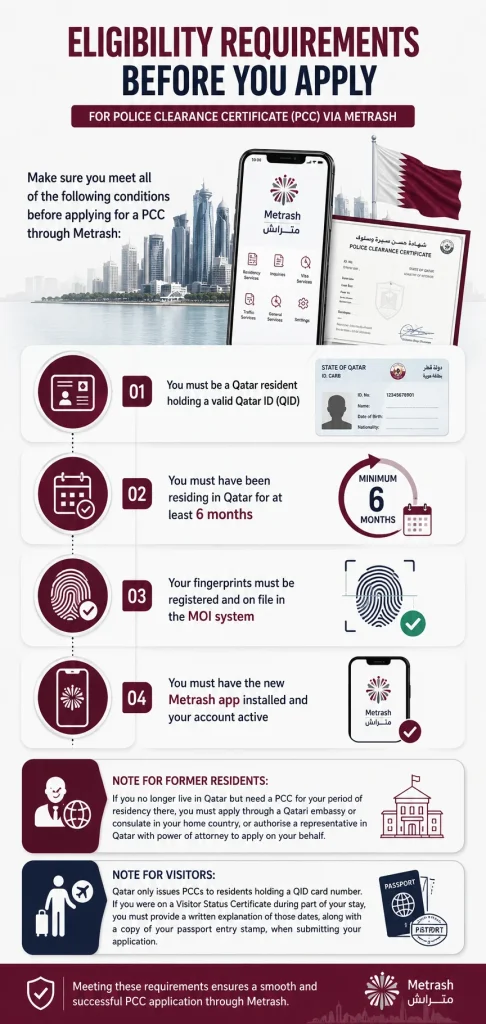
Eligibility Requirements Before You Apply
Make sure you meet all of the following conditions before applying for a PCC through Metrash:
- You must be a Qatar resident holding a valid Qatar ID (QID)
- You must have been residing in Qatar for at least 6 months
- Your fingerprints must be registered and on file in the MOI system
- You must have the new Metrash app installed and your account active
Note for former residents: If you no longer live in Qatar but need a PCC for your period of residency there, you must apply through a Qatari embassy or consulate in your home country, or authorise a representative in Qatar with power of attorney to apply on your behalf.
Note for visitors: Qatar only issues PCCs to residents holding a QID card number. If you were on a Visitor Status Certificate during part of your stay, you must provide a written explanation of those dates, along with a copy of your passport entry stamp, when submitting your application.
Documents Required for PCC Application via Metrash (2026)
The exact documents the app requests from you will vary based on the purpose of your certificate. Metrash will display the required document checklist specific to your case before you reach the payment step. However, the following are commonly required across most applications:
Standard documents (most applicants):
- Copy of valid Qatar ID (QID) — front and back
- Copy of valid Passport — bio-data page
- Purpose letter from the requesting authority (employer, university, government body, etc.) — where applicable
Additional documents (for immigration or licensing purposes):
- Home country Police Clearance Certificate, attested by the Ministry of Foreign Affairs (MOFA) in your home country
- Fingerprint Certificate from your home country, attested by the relevant Qatari embassy
- Request letter in Arabic from the Ministry of Municipality and Environment (MME) — required for specific licensing applications (e.g. UPDA engineering licence)
Pro tip: Scan or photograph all documents clearly and save them to your phone gallery before starting the application. Blurry, cropped, or incomplete uploads are the most common reason for application delays and rejections.
Step-by-Step: How to Apply for PCC via the New Metrash App (June 2026)
Follow these steps carefully using the latest version of the Metrash app:
Step 1 — Download and Open the New Metrash App
If you have not already done so, download the new Metrash app (not Metrash2) from:
- Google Play Store (requires Android 10 or above)
- Apple App Store (requires iOS 13 or above)
Search for “Metrash” — do not download “Metrash2,” as it is discontinued and no longer functional.
Step 2 — Log In with Your Credentials
Open the app and log in using your:
- 11-digit Qatar ID (QID) number
- 6-digit PIN
If you forgot your PIN, tap “Forgot PIN?” on the login screen. A reset link will be sent to your registered mobile number via SMS.
First-time users: Register using your QID and a SIM card registered under your name, then send an activation code to 92992 to complete setup.
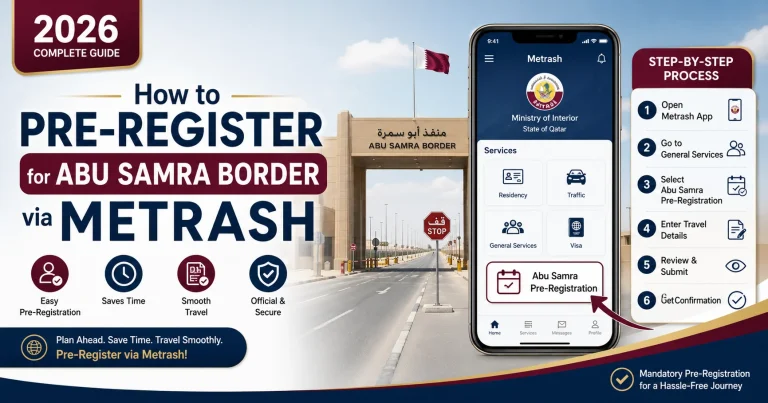
Step 3 — Navigate to the Security Section
On the home screen of the new Metrash app, tap on “Security”. This replaces the old “General Services” tab found in Metrash2.
Step 4 — Select “Police Clearance Certificate”
From the Security services list, tap on “Police Clearance Certificate”.
Step 5 — Tap “New Request”
Select “New Request” to begin a fresh application. Do not tap “Application Follow-up” unless you are checking a previously submitted application.
Step 6 — Fill In the Application Details
Complete the form with the following information:
- Purpose of the certificate — immigration, employment, study, professional licensing, etc.
- Destination country — if the certificate is intended for use outside Qatar
- Personal details — usually auto-populated from your QID
Tap “Next” to proceed.
Step 7 — Upload Required Documents
The app will display the exact list of documents required for your specific purpose. Upload each document by either:
- Selecting a file from your phone gallery, or
- Using your phone camera to take a photo directly within the app
Ensure all images are clear, well-lit, and show complete document edges.
Step 8 — Confirm Data Accuracy
Tick the checkbox that reads “I agree on the validity of data” to confirm that all details and documents you have submitted are accurate and genuine. Tap “Next”.
Step 9 — Choose Your Delivery Option
Select how you want to receive your certificate:
| Delivery Option | Best For |
|---|---|
| Email to authority | Immigration applications (IRCC Canada, foreign embassies, etc.) |
| Qatar Post | Physical delivery to your home or office address |
| Nearest Service Centre | In-person collection |
| Digital download via QDI App | Personal digital copy |
For Canadian immigration (IRCC), select the email delivery option. The certificate will be sent directly to the IRCC from Qatar’s MOI on your behalf — this is the accepted and required method.
Step 10 — Pay the Application Fee
The current service fee for a Qatar Police Clearance Certificate is approximately QAR 10 for a standard application. Fees may vary depending on the purpose and delivery method chosen — the exact amount will appear at checkout in the app.
Pay securely using:
- Debit or credit card
- Apple Pay (new in the updated Metrash app)
Step 11 — Submit and Note Your Reference Number
After payment is confirmed, your application is submitted. You will receive a notification confirming submission. Save your application reference number — you will need it to track the status of your request.
How to Track Your PCC Application Status (2026)
You can check the progress of your application at any time directly within the Metrash app:
- Open the Metrash app and log in
- Tap on “Security”
- Select “Police Clearance Certificate”
- Tap “Application Follow-Up” (or “My Requests”)
- Enter your application reference details
- Tap “Search” to view the current status
You can also track your application through the MOI Qatar official website (moi.gov.qa) using the PCC inquiry service.
Understanding Application Statuses
- Submitted / Under Review — your application has been received and is being processed
- Update Fingerprints — you must visit a CEID or MOI fingerprint office to refresh your biometrics, then resubmit
- Processing (extended) — recheck Application Follow-Up; if no update after a prolonged period, visit the CEID office with your reference number
- Approved / Issued — your PCC has been generated and is ready for download or delivery
How to Download Your PCC Certificate in 2026
Once your application is approved, you can download your Police Clearance Certificate digitally through the Qatar Digital ID (QDI) App. Here is how:
- Download the QDI App from Google Play or the Apple App Store (if not already installed)
- Log in using your Qatar ID number, registered mobile number, and PIN
- Navigate to your issued documents section
- Locate your Police Clearance Certificate
- Tap to open it — the certificate will appear as a PDF
- Tap “Download” to save the PDF to your device
- Print it if a physical copy is required by the requesting authority
Alternatively, if you selected Qatar Post or service centre collection during your application, your physical certificate will be delivered or available at your chosen location.
Applying In Person — CEID Office (Alternative Method)
If you prefer not to use the app, or if Metrash flags an issue requiring an in-person visit, you can apply directly at the CEID head office:
Address: Gharrafat Al Rayyan area, Al Rayyan Municipality, Zone 51, Doha, Qatar (near Salwa Road)
Working Hours: Sunday to Thursday, 7:00 AM – 1:00 PM
Phone: +974 4508 6666
Email: [email protected]
Visit in person if:
- The Metrash app prompts you to update or verify your fingerprints
- You have a special or complex case (e.g. multiple past sponsors, legal flags)
- You need a paper application form for an embassy or consulate submission
Processing Time — How Long Does It Take?
There is no single fixed processing time published by the MOI. Based on real user experiences in 2026:
- Simple, clean cases: A few days after all documents are correctly submitted
- Cases requiring additional verification: One to several weeks
- Complex cases (multiple employers, flags in records, missing fingerprints): Can take longer — follow up via the app or visit CEID with your reference number
Tips for faster processing:
- Apply during official working hours: Sunday to Thursday, 7 AM – 1 PM Qatar time
- Avoid applying through the MOI web portal between 8–10 AM (peak traffic hours) — the Metrash app is faster during those times
- Ensure all documents are clear and complete before submitting
- Respond promptly to any requests for additional information
PCC for Canadian Immigration (IRCC) — 2026 Note
If you need a Qatar PCC specifically for a Canadian immigration application (permanent residence, citizenship, or certain temporary residence programmes), the process works as follows:
- Apply through Metrash and select the email delivery option, directing it to IRCC (Immigration, Refugees and Citizenship Canada)
- The MOI/CEID will send the certificate directly to IRCC by email on your behalf
- You are not required to handle the delivery yourself for IRCC submissions
- Contact Information for IRCC queries: CEID, P.O. Box 23004, Doha, Qatar | Email: [email protected] | Tel: +974 4508 6666
Frequently Asked Questions (FAQ) — June 2026
Q: Is Metrash2 still working in 2026?
No. Metrash2 was officially discontinued on 1 March 2025. You must download and use the new Metrash app (available on Google Play and the App Store).
Q: What is the fee for a PCC in Qatar in 2026?
The standard service fee is approximately QAR 10. Fees may vary depending on the purpose and delivery method. Additional fees apply for attestation, courier delivery, or embassy legalisation.
Q: How long does a Qatar PCC take to process?
Simple cases are typically completed within a few days when all documents are correctly submitted. Complex cases may take longer. There is no officially published fixed timeline.
Q: Can someone apply for a PCC on my behalf in Qatar?
Yes. A representative such as a friend, family member, or colleague in Qatar with power of attorney can apply on your behalf through Metrash or in person at the CEID office. A representative at a Qatari embassy or consulate can also apply if you are abroad.
Q: What if I get a “Update Fingerprints” message on Metrash?
Visit a CEID office or MOI fingerprint registration centre to refresh your biometric records. Once updated, resubmit your PCC application through Metrash.
Q: Is the Qatar PCC available in English?
Yes. The certificate can be issued in both Arabic and English, depending on the purpose and the country where it will be used.
Q: What if I was a visitor in Qatar before becoming a resident?
You must provide a written explanation detailing the dates of your visitor status, along with a copy of your passport showing your Qatar entry stamp, when submitting your PCC application.
Q: Who do I contact for Metrash technical issues?
Call the MOI Call Centre: 2342000 for Metrash technical support.
Q: Can I get a PCC if I no longer live in Qatar?
Yes, but the process is different. Former residents must contact a Qatari embassy or consulate in their home country, or arrange for a representative with power of attorney in Qatar to submit the application.
Quick Reference — Key Facts at a Glance (June 2026)
| Detail | Information |
|---|---|
| Issuing Authority | CEID — Criminal Evidence and Information Department, MOI Qatar |
| Official App | Metrash (new app — Metrash2 discontinued 1 March 2025) |
| App Download | Google Play Store / Apple App Store |
| App Navigation | Security → Police Clearance Certificate → New Request |
| Eligibility | Qatar resident, valid QID, 6+ months stay, fingerprints on file |
| Standard Fee | ~QAR 10 (varies by purpose and delivery method) |
| Processing Time | Few days (simple) to several weeks (complex) |
| Delivery Options | Email to authority / Qatar Post / Service Centre / QDI App |
| Download Method | Qatar Digital ID (QDI) App — saves as PDF |
| CEID Office Location | Gharrafat Al Rayyan, Al Rayyan Municipality, Zone 51, Doha |
| CEID Phone | +974 4508 6666 |
| CEID Email | [email protected] |
| Metrash Tech Support | Call 2342000 |
| App Languages | Arabic, English, French, Spanish, Malayalam, Urdu |
Final Thoughts
Getting your Police Clearance Certificate (PCC) in Qatar in June 2026 is more streamlined than ever, thanks to the upgraded Metrash app. The most important thing to know right now is that the old Metrash2 app is gone — make sure you are using the new Metrash app to avoid wasted effort.
With your Qatar ID, the correct documents, and roughly QAR 10 in hand, you can submit your PCC application from your smartphone in just minutes, then track and download the certificate digitally — without visiting any government office in most cases.
Follow the step-by-step guide above, prepare your documents carefully, and your PCC will be on its way in no time.